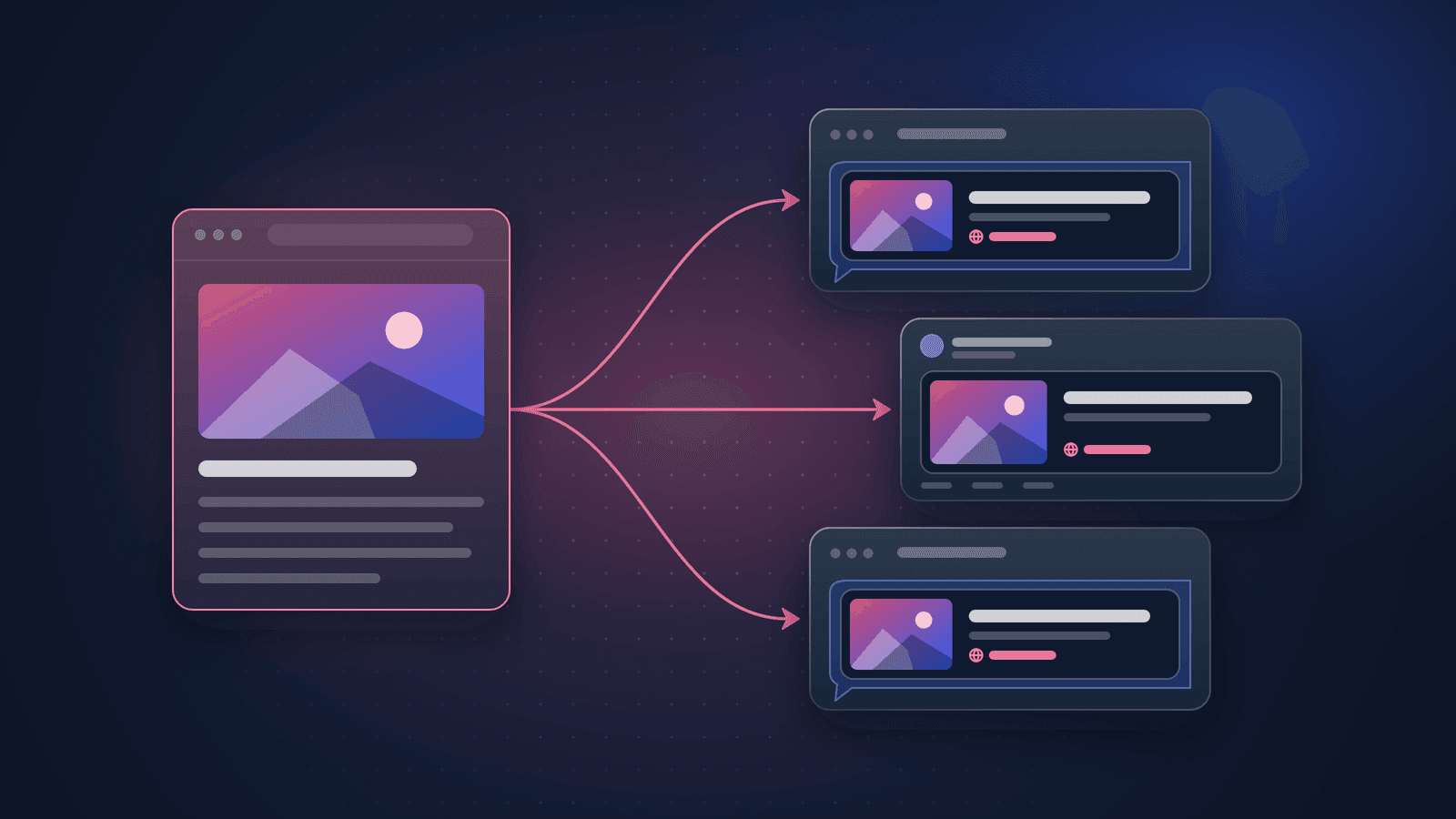
Open Graph Tags: How to Control Your Link Previews on Every Platform
Which og: and twitter: tags each platform reads, the share image sizes they document, how previews are cached and how to fix the most common preview problems.
 by Emily Parker
Check title, description, canonical, Open Graph and X cards — and see how your link will look when shared.
Reads every meta tag on the page, checks the title, description, canonical, robots, Open Graph and X/Twitter card tags, verifies the share image, and renders faithful previews of how the link appears in Google results, LinkedIn, X, Facebook and Slack.
One page and its share image.
Pages are fetched politely by BacklnkBot, robots.txt is respected, and only public websites can be audited. Every finding shows the evidence it is based on and when it was measured.
Guides
Which og: and twitter: tags each platform reads, the share image sizes they document, how previews are cached and how to fix the most common preview problems.
by Emily ParkerLearn more: On-Page SEO guides